Agentic Terminal
A remote AI agent uses the tools on your PC.
Inside an SSH terminal, the agent reads your Gmail, captures your screen, and uploads files. A person approves each request.
Korean Patent No. 10-3019208 · registered September 9, 2026 (Ministry of Intellectual Property)
v0.3.23 · Windows EXE 10.5 MB · Windows 10/11 64-bit · macOS 11 or later
If the terminal only goes one way, the agent never leaves the server.
SSH sends your commands to a server and brings output back. An agent running on that server cannot see your PC's files, mail, or screen. Agentic Terminal opens a second path in the other direction. The agent's requests travel through an SSH reverse tunnel to your PC, pass a policy engine and an approval prompt, and then run.
| Ordinary SSH terminal | Agentic Terminal | |
|---|---|---|
| Your PC → server | Commands | Commands |
| Server → your PC | Screen output only | Screen output plus MCP tool calls (after approval) |
| What the agent can use | Only what is on the server | Gmail, files, clipboard, screen, and browser on your PC |
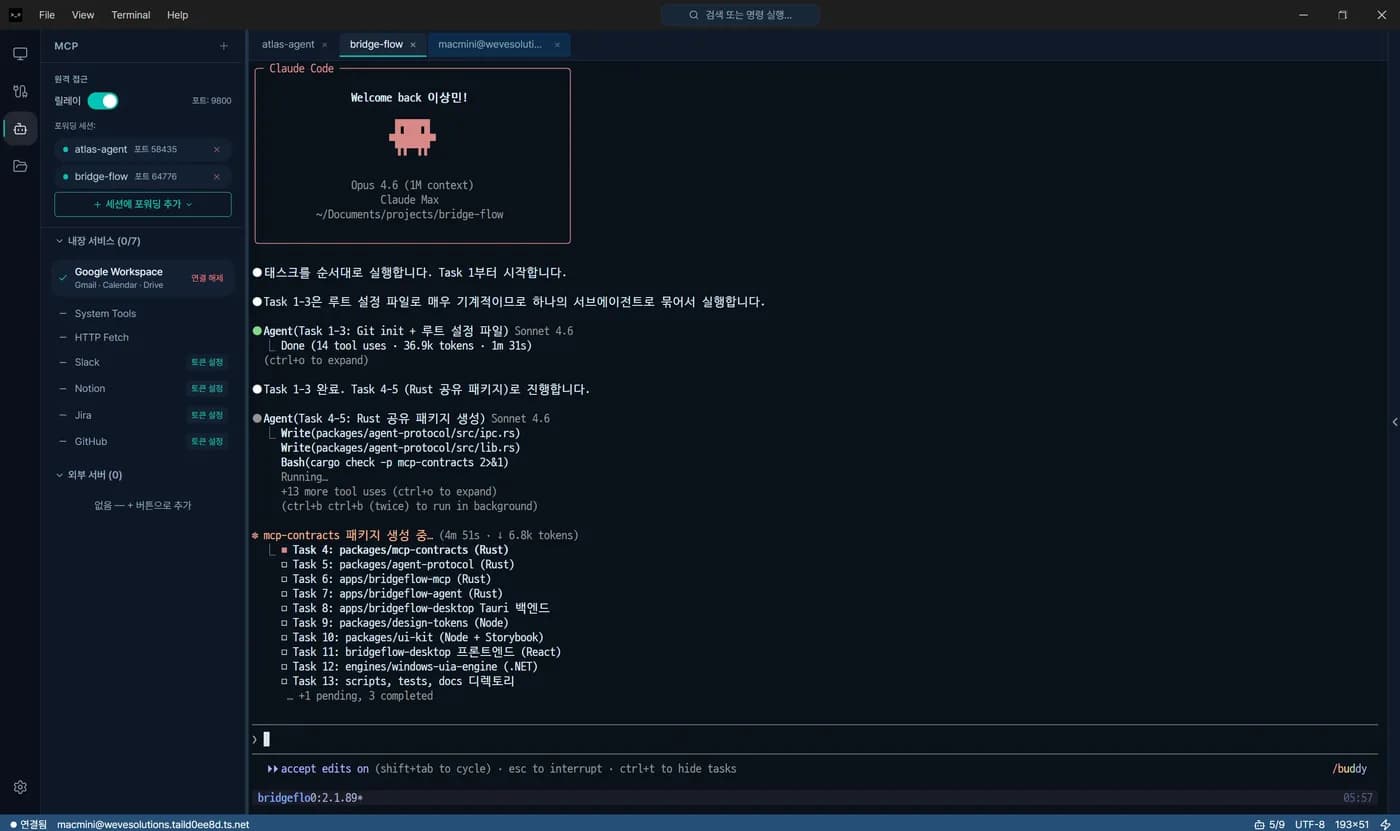
Real screens.
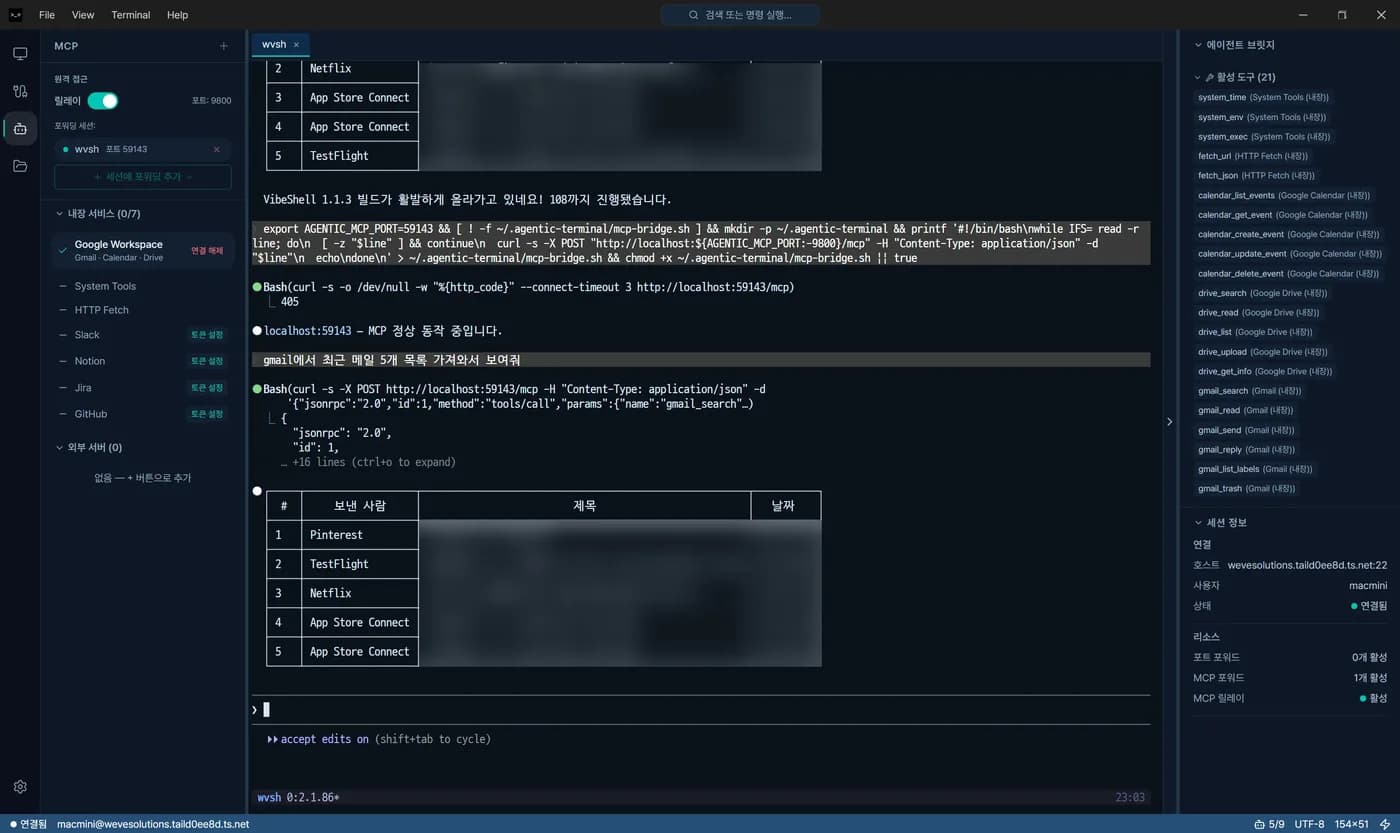
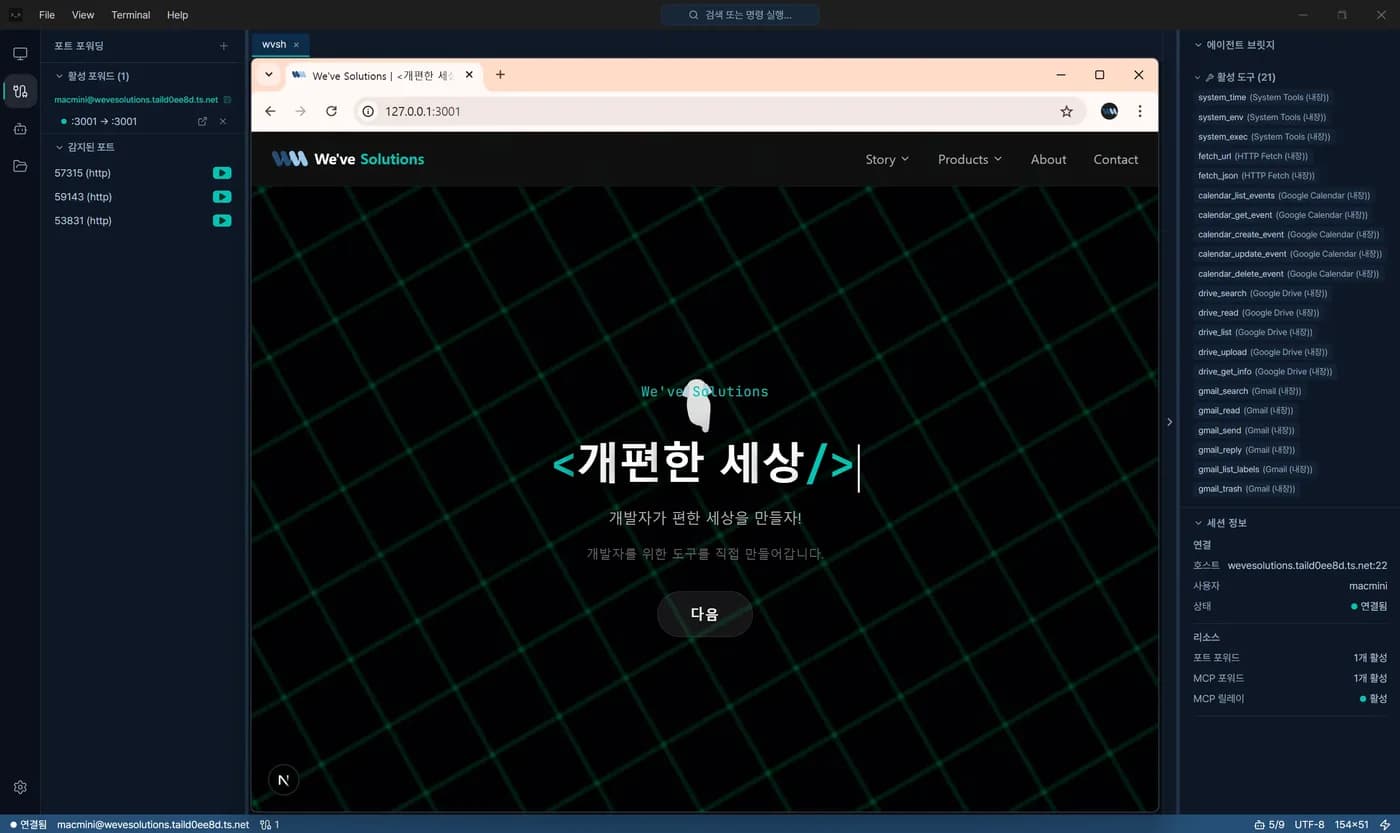
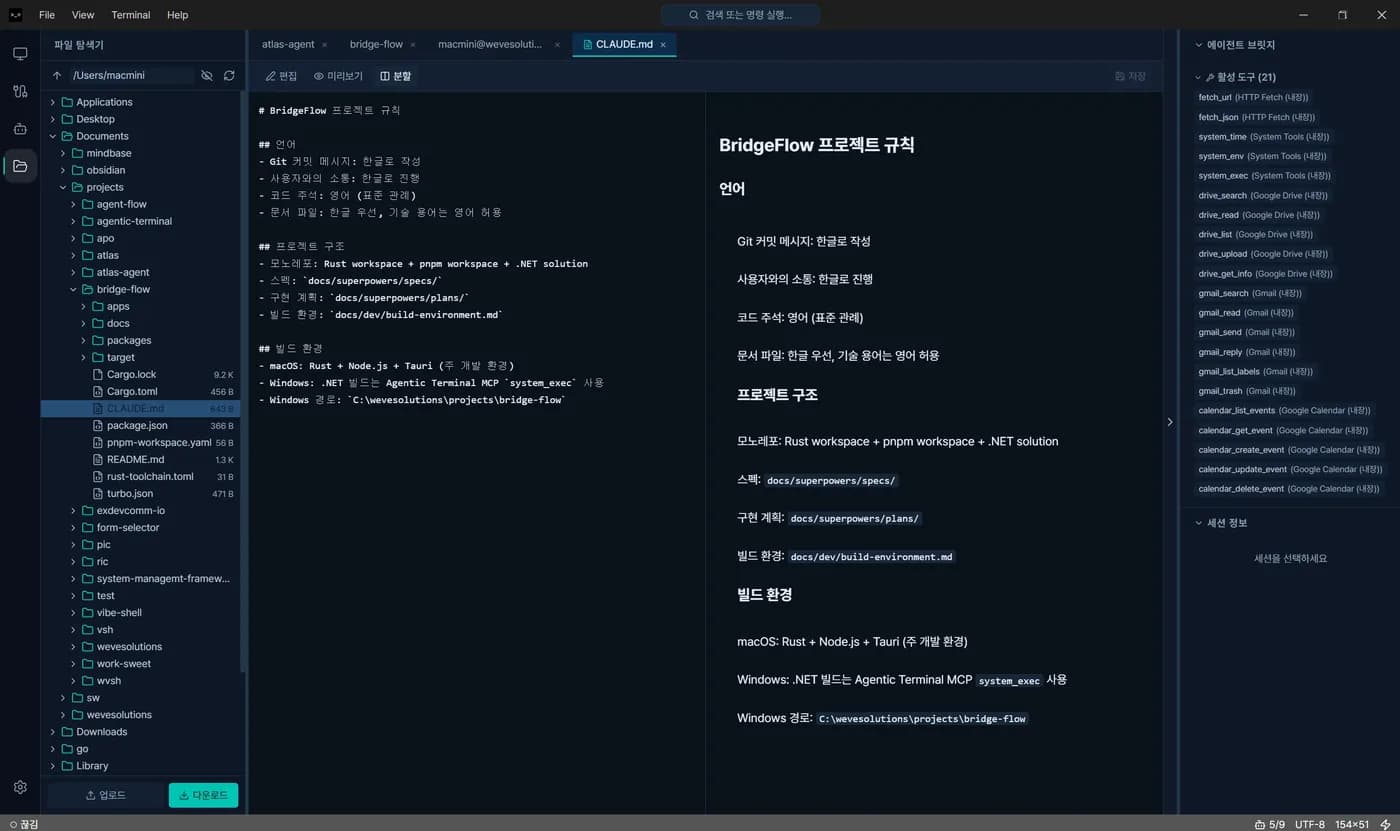
The setup is one file.
The Claude Code session that builds this website connects to Agentic Terminal with the configuration below. It is the file in the repository, not a sample.
.mcp.json
{
  "mcpServers": {
    "agentic-terminal": {
      "command": "bash",
      "args": ["-c", "~/.agentic-terminal/mcp-bridge.sh"]
    }
  }
}
~/.agentic-terminal/mcp-bridge.sh
# stdio 로 들어온 MCP 요청을 로컬 릴레이(HTTP)로 넘깁니다
while IFS= read -r line; do
  [ -z "$line" ] && continue
  curl -s -X POST "http://localhost:${AGENTIC_MCP_PORT}/mcp" \
    -H "Content-Type: application/json" \
    -H "X-Agentic-Token: ${AGENTIC_MCP_TOKEN}" \
    -d "$line"
  echo
done
The agent sees a single server. Nine built-in services and any external MCP servers are routed behind it.
The agent asks. A person decides.
The policy engine sees every request first and picks one of three outcomes: allow automatically, block automatically, or ask a person. When it asks, there are three answers.
allow_once / allow_session / deny
| Request | Meaning |
|---|---|
| screen.capture | Screen capture |
| file.upload | File upload |
| browser.open | Open browser |
| clipboard.read | Read clipboard |
| clipboard.write | Write clipboard |
| notify.show | Show notification |
| tool.call | MCP tool call |
Every decision goes to the audit log, one line each: time, session, host, request type, policy verdict, and the person's decision.
It does not replace your IDE.
There is a file viewer with light editing, but no built-in code editor, no Git GUI, and no container management. Development happens with the tools on the remote server. This app connects that server to your PC.
The Enterprise license exists to control company-issued PCs. Without a license file the app runs in Community mode with every feature available. Individual users do not need to do anything.
Pricing and licensing
| Who | Terms | Price | |
|---|---|---|---|
| Community | Individuals and teams | No license file. No feature limits | Free |
| Enterprise | Organizations that control company-issued PCs | Place an .agt-license file. Features, languages, MAC addresses, and expiry are fixed by an offline Ed25519 signature. Locked features disappear from the UI | Contact us |
| Public sector (Korea) | Agencies buying through PPS VentureNara | Item no. 26309390 | See VentureNara listing |
Registered, and patented.
"Automated SSH terminal system with a security bridge between a remote AI agent and local resources" was registered as Korean Patent No. 10-3019208 on September 9, 2026 (Ministry of Intellectual Property; filed April 13, 2026). Registered as a computer program work with the Korea Copyright Commission (C-2026-035266, July 2026). Designated a VentureNara product by the Public Procurement Service (2026-07-0056, August 2026).
Certifications and registrations →Specifications
| OS | Windows 10 1809 or later, Windows 11 (x64; ARM64 not supported) / macOS 11 or later (Apple Silicon and Intel) |
| Installer | Windows EXE 10.5 MB, MSI / macOS DMG |
| Languages | Korean, English, Japanese, Simplified Chinese |
| Shells | Remote bash, zsh, fish. Local pwsh, bash, zsh auto-detected |
| Terminal | xterm.js. Verified with tmux, vim, neovim, htop |
| Core | Rust (russh, tokio). UI in Tauri 2 and React 19 |
| MCP | JSON-RPC 2.0 over stdio and HTTP |
| Auto-update | Downloads in the background after minisign signature verification; restarts when you confirm |
Three questions we get
Is the macOS build the same as Windows?
Same core. Windows shipped first and its releases run ahead. Any difference is noted in the release notes.
Can my company lock certain features?
Yes, with an Enterprise license file that sets features, languages, allowed MAC addresses, and expiry. Locked features are removed from the UI rather than greyed out.
Can the agent look at my screen whenever it wants?
No. Screen capture goes through the policy engine, and the default is to ask you. You can allow it once or deny it, and the decision is logged.
Talk to us about rollout: platform@wevesolutions.co.kr