MONO WRITER
Now there is nowhere to run.
Set a goal and lock the screen. There's no way out until you finish.
Distraction-free writing on Mac, Windows, iPhone, iPad, and Android.
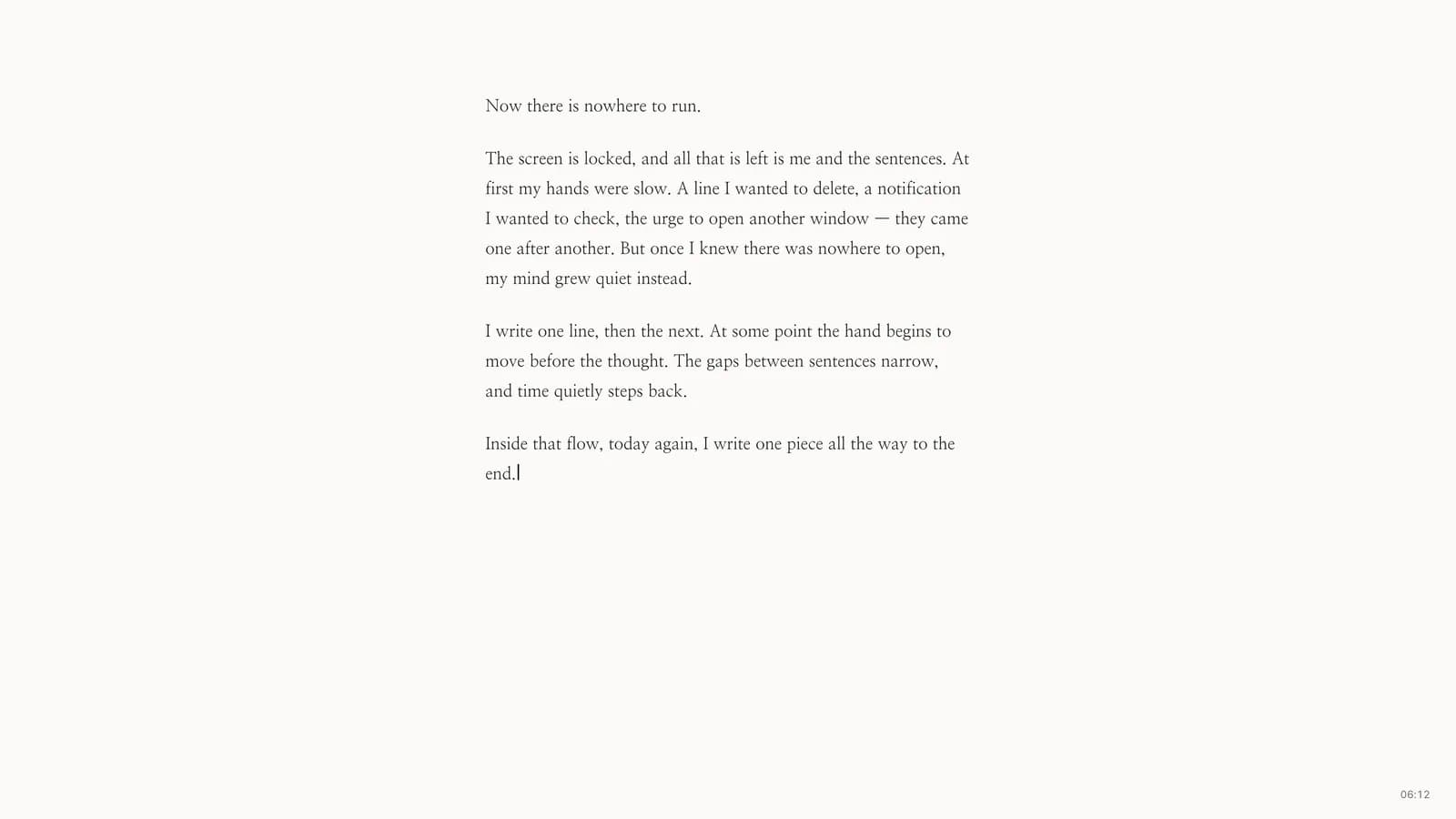
The screen is locked, and all that is left is me and the sentences. At first my hands were slow. A line I wanted to delete, a notification I wanted to check, the urge to open another window. They came one after another. But once I knew there was nowhere to open, my mind grew quiet instead.
Text from the app screenshot.
25 minutes, or 500 characters
Pick one and lock. If you pick time, the clock pauses while you're in another window. Wandering doesn't count. If you pick a character count, it stays locked until you've written it.
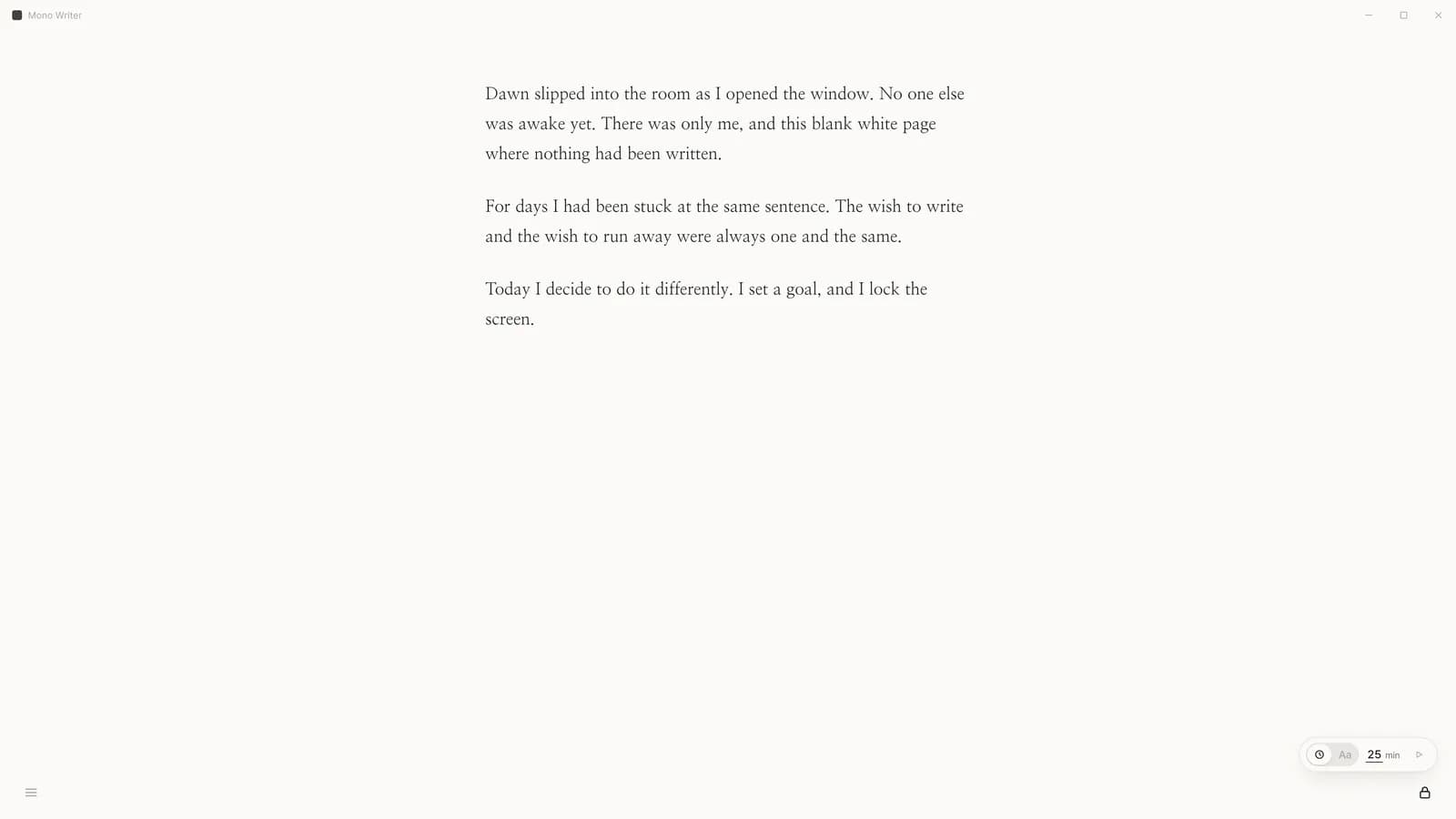
At night, change the paper
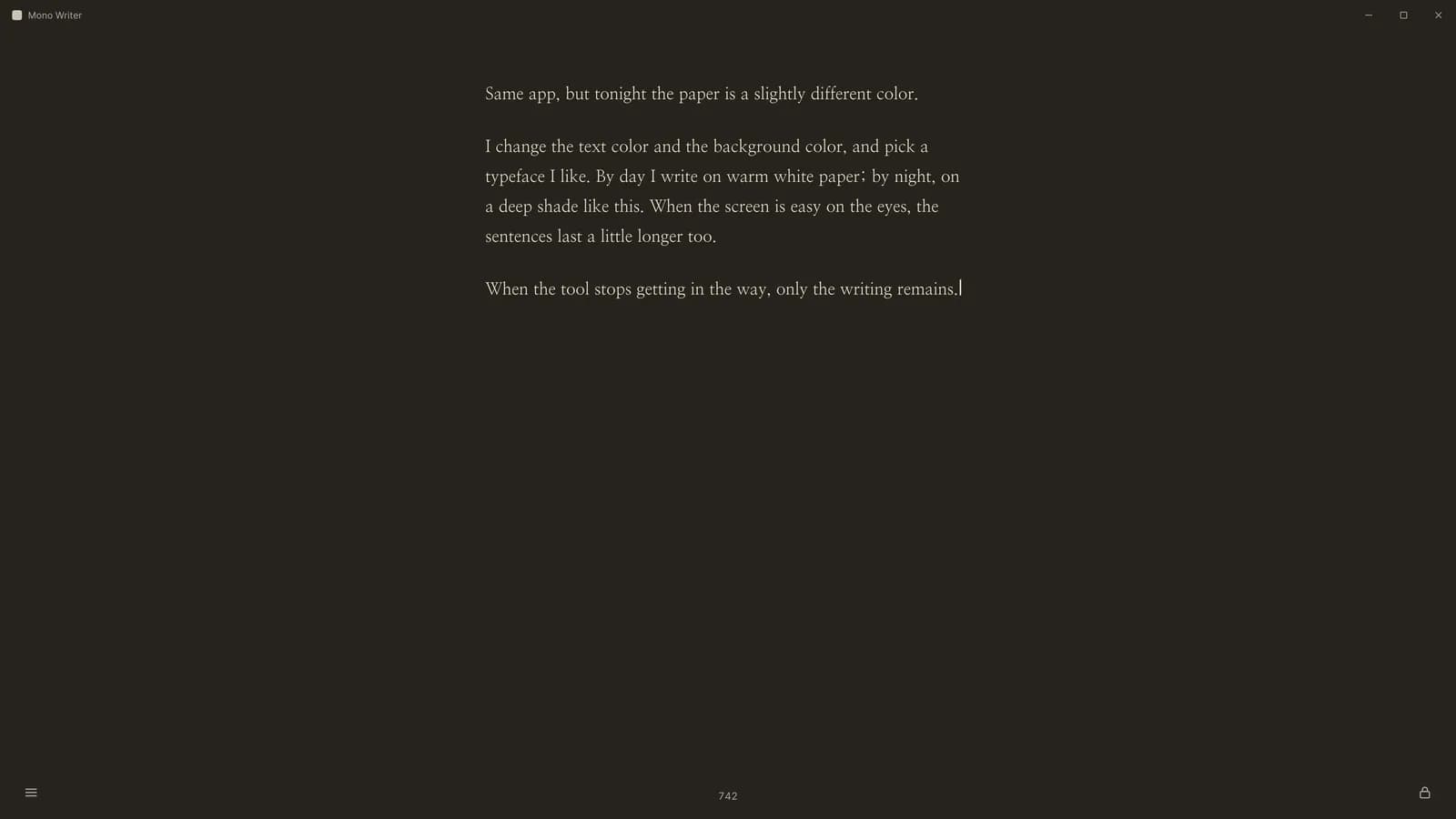
By day on warm white paper; by night on a color this deep.
Typeface, size, ink, paper. Four settings. There are no others.
The lock is different on every device
| Device | When locked | Releases when |
|---|---|---|
| Mac | Menu bar and Dock disappear. Cmd+Tab, Cmd+Q, Cmd+W and Cmd+H are blocked | Goal reached. In an emergency, only an OS force shutdown |
| Windows | A keyboard hook blocks Alt+Tab and the Win key | Goal reached |
| Android | Screen pinning. You can't switch to another app | Goal reached |
| iPhone, iPad | Doesn't lock. Write, read, and sync only | — |
| Linux | Fullscreen only. No OS lock | Any time |
iOS doesn't let an app block other apps. So on iPhone there is no lock button at all.
There is no server
No account either. Your writing is stored on the device, and Apple devices continue through your own iCloud. On Windows and Android it stays on the device. Our servers have never received a word of it.
You don't lose writing. Separately from the database, every document is written to a file once more. Deleted writing sits in the Trash for 30 days, then goes.
There is no emergency exit from the lock. Reach the goal, or turn the computer off. That's how it was built.
Buy once
| Store | Price | Includes |
|---|---|---|
| App Store | ₩17,000 | Mac, iPhone, iPad. One purchase for all three |
| Google Play | ₩14,000 | Android |
| Microsoft Store | ₩17,400 | Windows |
No subscription, no in-app purchases, no ads. Prices are as shown in each store for your country.
Three answers up front
- What if something urgent comes up while I'm locked?
- On Mac, the only way out is holding the power button. That is the app's promise. Everything you wrote is saved up to that moment.
- Does it lock on iPhone?
- No. iOS doesn't let an app block other apps. On iPhone and iPad you write, read, and continue from your Mac through iCloud.
- Does writing from Windows show up on my Mac?
- Not yet. Only Apple devices continue through iCloud. Windows and Android keep writing on the device, and you can export it as txt.
Set a goal, and lock the screen.